


How to Use Memory Seats
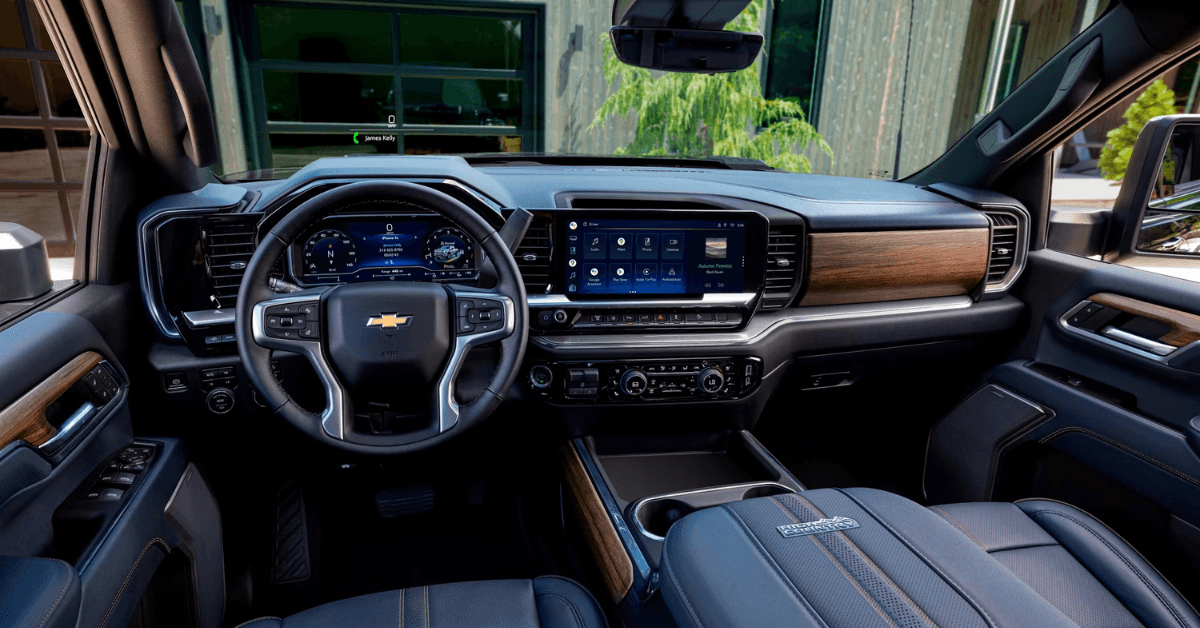 Memory seats are very convenient when you have several drivers using one car. It’s a great luxury not having to spend time readjusting your seat every time you drive after another family member. Plus, without memory adjustable seats, you never really know if the car seat is back to the most comfortable position for your body and driving style. Here is a little primer on cars with memory seats and how to use them.
Identifying Driver Number?
If your Chevrolet vehicle has the memory seat feature you’ll have received two sets of keys or keyless entry remotes for remote start. Each one has a driver number, either 1 or 2. You can find your key number by starting the vehicle and making a note of the driver number as it displays in the Driver Information Center located in the gauge cluster.
Using Memory Positions
Here is how to position drivers seat. Look for the buttons on the driver’s door panel that are labeled:
- Set
- 1
- 2
- Exit
These buttons will let you program each memory position. Make sure to adjust your power seats, mirrors, and steering column to the desired preference. With the engine on, press and release the set button. You’ll hear a beep. Press and hold the numbered button, 1 or 2, that matches your driver number. You will hear two beeps. Release the button. Your positions have been stored.
The next time you are in the vehicle after another driver has used it, just press and hold the 1 or 2 button, whichever matches your driver number. This manually recalls the car seat. Automatic car seat adjustment should begin once you’ve inserted the key or used the remote keyless entry fob.
Here’s how to program keyfob. Set the vehicle in park and use the Chevrolet Infotainment screen to enter the settings menu. Push the vehicle button which then gives you choices of setting for seating position or comfort and convenience. Select Seat Entry Memory and then choose either on or off.
Visit Gordon Chevrolet Today
If having to adjust your seat every time you drive is causing problems then we hope this article on automatic car seat adjustment helped you with your memory seats. And we hope you’ll turn to us for more information on key fob programming or the great deals we have on new Chevrolet sedans, SUVs, and trucks.
We have a wide selection of new and certified pre-owned Chevy vehicles so come see us today Schedule a test drive or talk to our finance department about getting approved for financing. You’ll find us at 1166 Blanding Boulevard, Orange Park, FL. Or give us a call at (904) 592-3846.
2 comment(s) so far on How to Use Memory Seats
I just bought a 23 Silverado 1500 rst. It does not have have the memory option on the door, but when I exit the truck, and come back, my seat is always reclined. How do I stop this?
I have replacement fobs because my factory fobs broke. How can I program the replacements? I did not get them from a Chev dealer. My car is a 2017 Malibu Premier.
Thank you.