Chevrolet Wireless Apple CarPlay and Android Auto

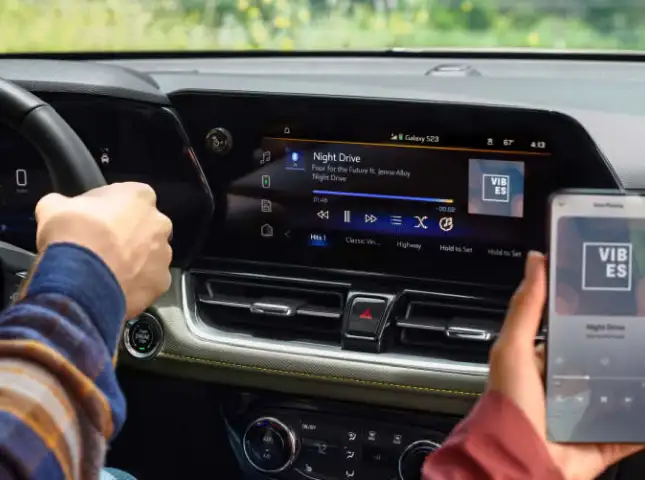
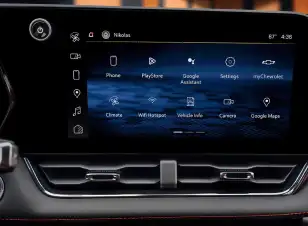
Chevrolet infotainment display showing wireless smartphone integration

Managing your favorite apps while driving is effortless with Chevrolet wireless smartphone integration. This technology projects your mobile interface directly onto the high-definition dashboard display, removing the need for cluttered USB cords. The system establishes a link the moment you start the engine, allowing you to access navigation, music, and hands-free communication while keeping your attention on the road ahead.


Chevrolet dashboard with smartphone integration

Smart Integration for Jacksonville Commuters

Navigating the busy morning traffic on I-95 or finding a new restaurant at the St. Johns Town Center is more convenient when your phone and vehicle work as one. At Gordon Chevrolet, we ensure your digital life transitions into your cabin with zero friction.

  • Cord-Free Cabin: You can keep your center console organized and free of tangled wires by utilizing the high-speed 5GHz wireless link.
  • Automatic Recognition: Once the initial pairing is complete, your Chevrolet identifies your device every time you enter the vehicle, launching your preferred interface instantly.
  • Simultaneous Charging: Many of our new models feature a wireless charging pad, allowing you to power your device while streaming media without plugging in a single cable.
New Chevy for Sale in Jacksonville

Identifying 2026 Smartphone Compatibility

The 2026 model year introduces a strategic shift in how certain vehicles handle smartphone mirroring. It is important to know which platform your chosen Chevrolet utilizes to ensure you have the best experience on the road.

Traditional Gas-Powered Models (Silverado, Tahoe, Traverse)

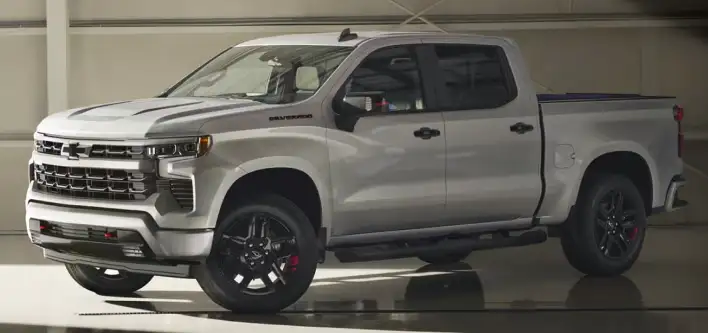
Drivers of internal combustion engine (ICE) models will continue to enjoy full wireless mirroring support.

Chevrolet gas-powered truck with wireless smartphone compatibility
  • Standard Support: Wireless Apple CarPlay and Wireless Android Auto are standard features.
  • Compatible Models: This includes the Silverado 1500, Tahoe, and the versatile Colorado.

All-Electric Model Strategy (Equinox EV, Blazer EV)

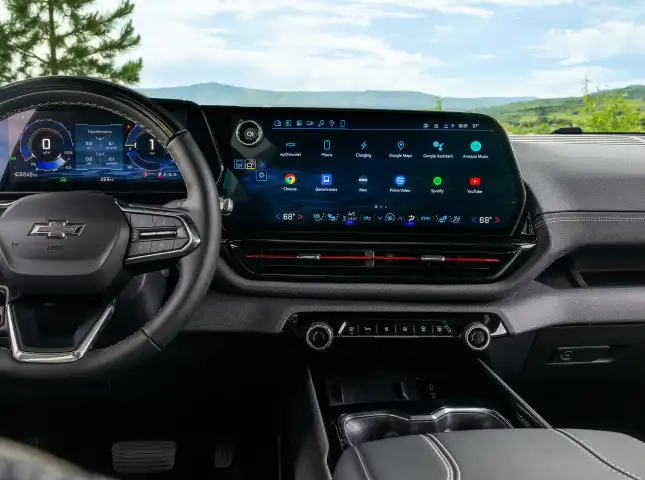
The newest 2026 electric models utilize a specialized, native operating system designed for deeper vehicle integration.

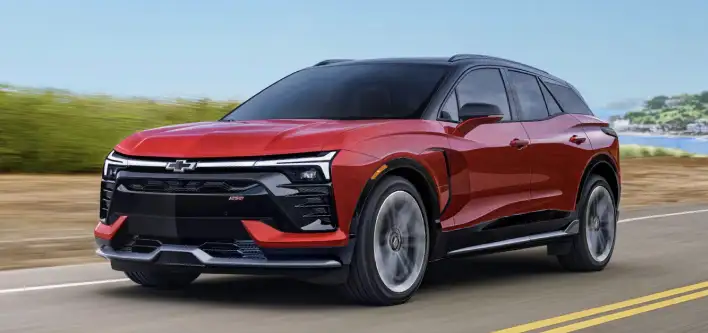
Chevrolet electric model with native infotainment software
  • Google Built-In: These models run apps like Google Maps and Spotify directly on the vehicle hardware.
  • Mirroring Note: The 2026 Blazer EV, Equinox EV, and Silverado EV do not support Apple CarPlay or Android Auto mirroring.
  • EV Benefit: By using native software, your EV can automatically handle battery pre-conditioning and route you to local Jacksonville charging stations based on your real-time range.
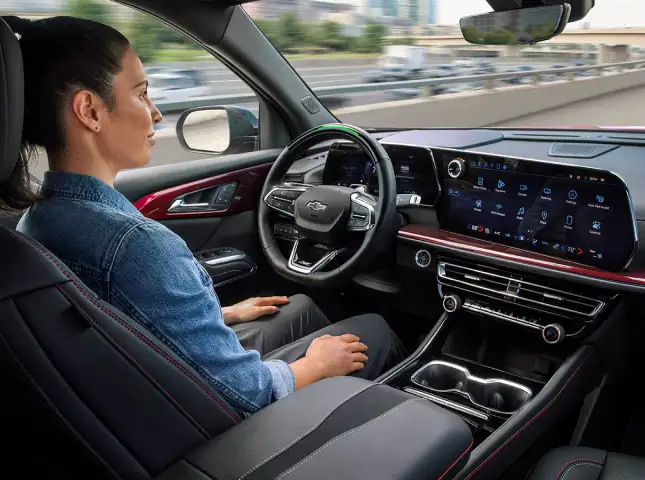
Driver using hands-free controls in a Chevrolet

Hands-Free Control and Navigation

You can maintain full control over your digital life using voice commands and steering-wheel-mounted buttons. This integration allows you to stay productive during your commute without taking your eyes off the Jacksonville traffic.

  • Voice Assistants: A long press of the voice button activates Siri® or Google Assistant™. You can dictate replies to texts or ask for the quickest route to the coast.
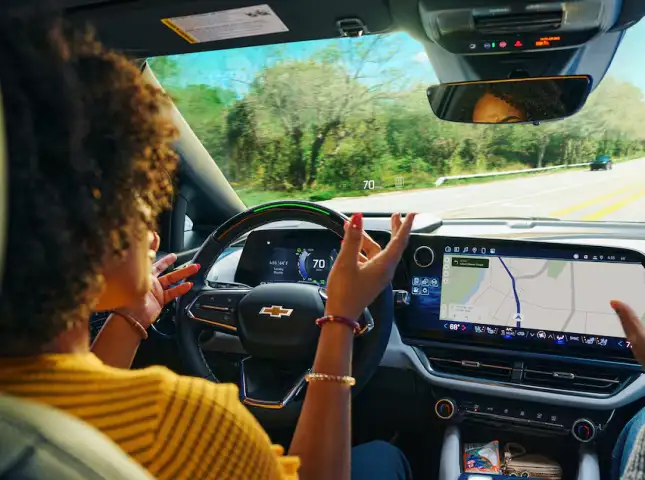
  • Live Mapping: Use familiar tools like Waze or Apple Maps on your dashboard. The 2026 system utilizes the 5GHz band for the screen while the vehicle's 5G modem can provide a separate internet hotspot for your passengers.
  • Media Management: Your podcasts and playlists from Apple Music or Spotify appear in their native mobile layouts, making it easy to find your favorite tracks while driving.
Contact Us

Setup Guide: Wireless Pairing Checklist

Establishing your first connection is a quick process that takes less than a minute. Ensure your vehicle is in Park before you begin your setup at our Jacksonville dealership.

  1. Preparation: Verify that both Bluetooth and Wi-Fi are turned on in your smartphone settings.
  2. Display Selection: Tap the Apple CarPlay or Android Auto icon on your Chevrolet infotainment screen.
  3. Smartphone Prompt: On 2026 models like the redesigned Traverse, your phone will receive a pairing request automatically.
  4. Finalize: Accept the prompts on both your phone and the dashboard to lock in the 5GHz Wi-Fi connection.

Technical Requirements: Android users require a device with Android 11.0 or higher, while iPhone users require an iOS 9.0 or higher device.

Wireless pairing checklist on a Chevrolet infotainment display
Chevrolet SUV cabin with modern wireless connectivity

Modern Connectivity Across the Lineup

You can experience cord-free technology across a wide variety of our most popular trucks and SUVs. Our team at Gordon Chevrolet can help you explore which trim levels best fit your tech preferences.

  • Chevrolet Trucks: The light-duty Silverado 1500 and the heavy-duty Silverado 2500 HD offer seamless integration for work and play.
  • Versatile SUVs: The compact Trax, the rugged Trailblazer, and the gas-powered Equinox all feature wireless mirroring.
  • Performance & Sedans: Stay connected in the iconic Corvette or the comfortable Malibu sedan.

Connect and Drive at Gordon Chevrolet

Testing this technology in person is the best way to see how it simplifies your daily routine. If you share a vehicle or frequently use navigation to find your way around Northeast Florida, visiting Gordon Chevrolet allows you to see how quickly these systems respond to your commands. Our technology specialists can help you pair your device and demonstrate how to use voice control for a safer drive. You can begin the process by evaluating your Trade-In Value or getting pre-approved when you Apply for Financing online. Let us show you how a wireless cabin makes every mile in Jacksonville more enjoyable.

Chevrolet Wireless Apple CarPlay FAQ

The vehicle's internal antenna is typically stronger than a standard smartphone's, providing more reliable data for your maps and music even when driving near the water in Jacksonville.

The native Google Built-In system allows the vehicle to communicate directly with the battery. This ensures your navigation can provide accurate charging stops and pre-condition the battery for faster speeds.

Data transmission does consume power. We suggest placing your phone on the available wireless charging pad in your Suburban or Silverado during longer trips to the coast.

No. The vehicle creates its own localized Wi-Fi signal specifically to talk to your phone. An active data plan is only required if you want to use the vehicle as a hotspot for other devices.

Yes. You can manage multiple paired devices through the "Phones" menu on the infotainment screen. You simply tap the name of the driver currently behind the wheel to switch the active interface.

Yes. Every 2026 Chevrolet model still includes USB-C ports for charging and data if you prefer a wired connection or have an older device.

No. These are built-in features of the Chevrolet infotainment system and do not require a separate monthly fee or subscription.

Most issues can be resolved by toggling the Bluetooth on your phone off and back on. If problems persist, our service team can perform a quick system reset to ensure your software is current. Service and Parts Financing

Menu

Gordon Chevrolet,inc. 30.1292, -81.78918.