The Chevrolet Head-Up Display: Fighter Jet Tech for Your Daily Drive

Taking your eyes off I-295 for even a second can be dangerous. Whether you are checking your speed, looking for the next navigation turn, or seeing what song is playing, looking down at your dashboard distracts you from the road ahead.

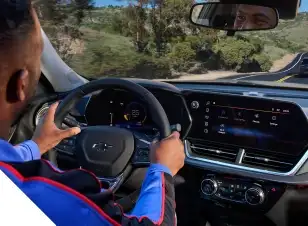
Chevrolet solves this problem with the available **Head-Up Display (HUD)**. Originally developed for fighter jets, this technology projects vital driving information directly onto your windshield, hovering just above the hood of your car. It allows you to stay informed without ever taking your eyes off the road, making your drive through Orange Park safer and more convenient.


What is the Chevy Head-Up Display?

The modern Chevrolet Head-Up Display is a class-leading, multi-color projection system. On top-tier models like the Tahoe and Silverado, it spans an impressive **15 inches diagonally**, offering a large, clear, and customizable view of your vehicle's data.

The system uses a series of mirrors and a special projector embedded in the dashboard to display an image that appears to "float" near the front bumper. Because it is focused at a distance, your eyes do not have to refocus between the road and the display, reducing eye strain on long Florida road trips.

Key Features of the 15-Inch HUD:

  • Multi-Color Display: Critical warnings appear in red or amber, while navigation and speed are shown in clear white or green, making it easy to read at a glance.
  • Customizable Height & Brightness: You can adjust where the image sits on the windshield and how bright it is, ensuring it is visible even on the sunniest Florida days.
  • Multiple View Modes: You are not stuck with just one layout. You can cycle through different modes depending on your driving needs.

Customizable Views for Every Drive

The real power of the Chevy HUD is its versatility. You can toggle through four distinct page views using the controls to the left of the steering wheel:


  • 1. Speed View:

    The classic view. It displays your current speed, the posted speed limit (read by the traffic sign recognition camera), and the status of driver-assistance systems like Adaptive Cruise Control or Lane Keep Assist.
  • 2. Audio / Phone View:

    Keep your playlist going without looking down. This view shows the current radio station, song title, or incoming caller ID right on the glass.
  • 3. Navigation View:

    Never miss a turn on Blanding Boulevard. This mode projects turn-by-turn directions from the native Google Maps system directly in your line of sight.
  • 4. Off-Road View (Z71 / ZR2 Models):

    Exclusive to off-road trims like the Silverado ZR2 and Tahoe Z71, this view displays an **inclinometer**. It shows the vehicle's pitch and roll angles, 4WD status, and steering angle, helping you navigate trails without needing a spotter.
  • 5. Performance View (Corvette & Camaro):

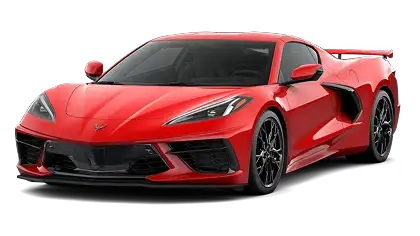
    On performance models like the Corvette, the HUD transforms into a race-ready display. It features a shift light, G-force meter, lap timer, and a large tachometer, allowing you to hit perfect shifts on the track without looking down.

Which Chevrolet Vehicles Offer the Head-Up Display?

This premium technology is available on the upper trim levels of Chevrolet's most popular vehicles.

Trucks

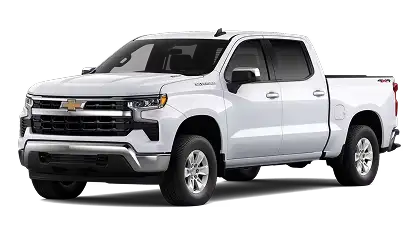
Chevrolet Silverado 1500

(Standard on High Country & ZR2; Available on LTZ)

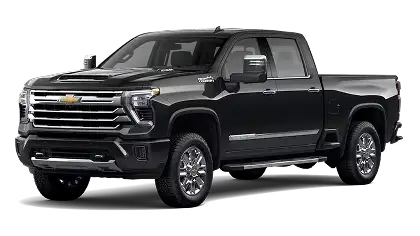
Chevrolet Silverado HD

(Standard on High Country; Available on LTZ)

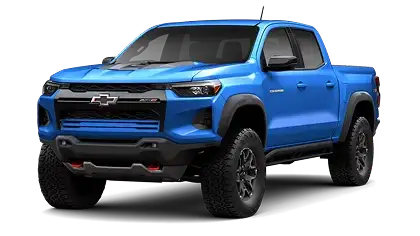
Chevrolet Colorado

(Available on ZR2 and Z71)

SUVs

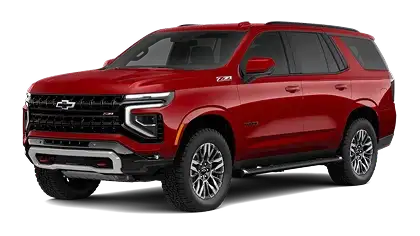
Chevrolet Tahoe

(Standard on High Country & Premier)

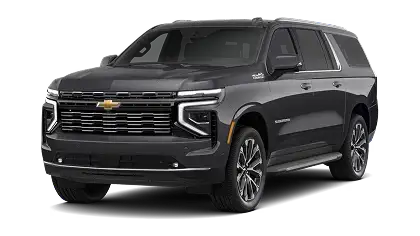
Chevrolet Suburban

(Standard on High Country & Premier)

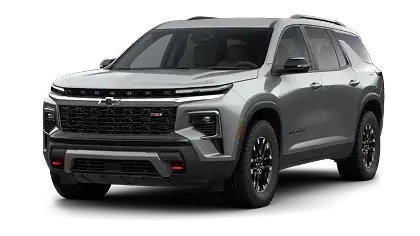
Chevrolet Traverse

(Standard on RS & High Country)

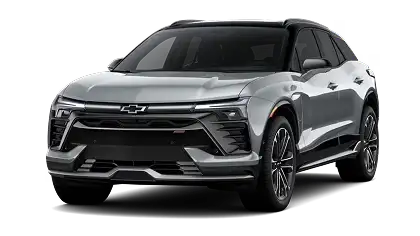
Chevrolet Blazer EV

(Available on RS & SS)

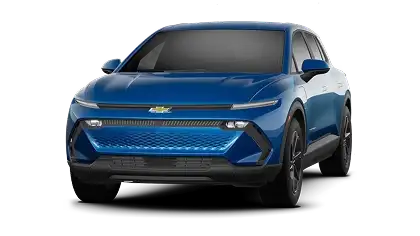
Chevrolet Equinox EV

(Available on top trims)

Performance

Chevrolet Corvette

(Standard on 2LT and 3LT trims)

Frequently Asked Questions (FAQ)

Can I see the Head-Up Display with polarized sunglasses?

Sometimes, polarized lenses can dim the HUD image because of how they filter light. However, Chevrolet's modern HUDs are significantly brighter than older generations. Increasing the brightness setting usually makes it visible, even with polarized shades.

Can I turn the display off?

Yes. If you prefer a clear windshield for night driving, you can dim the HUD brightness all the way down until it disappears, or use the "Info" button to toggle it off.

Does it show directions from Apple CarPlay or Android Auto?

Yes! On modern Chevys with Google Built-In, the HUD integrates seamlessly with Google Maps. In many newer models, it can also display turn-by-turn arrows from Apple Maps or Waze when using CarPlay or Android Auto.

Experience the View at Gordon Chevrolet

You have to see it to believe it. Visit Gordon Chevrolet in Orange Park today and sit in the driver's seat of a High Country Silverado or Premier Tahoe. Once you experience the convenience of having your speed and navigation floating right in front of you, you won't want to drive without it.
Menu

Gordon Chevrolet,inc. 30.1292, -81.78918.