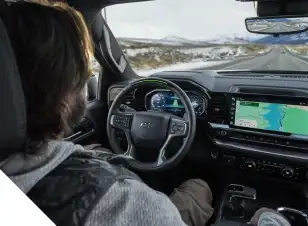
Google Built-In: Your Digital Life, Integrated into Your Chevy

We all rely on our smartphones for everything, from navigating around Jacksonville traffic to streaming our favorite beach playlists. But fumbling with cords or worrying about a spotty phone signal while driving down Blanding Boulevard can be a major frustration. You deserve a smarter, safer, and more connected way to drive.

Enter Google Built-In. This revolutionary technology brings the apps and services you already know and love directly into your Chevrolet's dashboard. No phone connection required.


What is Google Built-In? (And How is it Different?)

It is important to understand that Google Built-In is not the same as Android Auto. While Android Auto projects your phone onto the screen, Google Built-In means that Google services are the native operating system of the vehicle itself.

The biggest advantage is that you do not need your phone. You can leave your smartphone in your pocket, your beach bag, or even at home, and still have full access to Google Maps, your Spotify playlists, and your contacts.

Do I need an Android phone?

No! This is a common misconception. Because the system lives inside the car, it works perfectly regardless of whether you use an iPhone or an Android device.

Key Features for the Daily Commute

Google Maps Integration

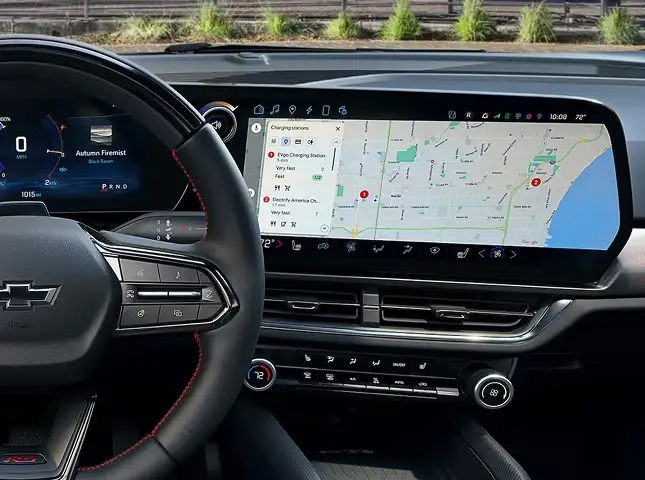
Forget about propping your phone up on the dashboard. With Google Built-In, Google Maps is native to the vehicle.

  • Real-Time Traffic:

    Get live updates on slowdowns on the Buckman Bridge or I-295 directly on your large infotainment screen.

  • Smart EV Routing:

    For drivers of the Silverado EV or Blazer EV, Google Maps communicates with the battery system. It will automatically plan charging stops for long trips and even precondition your battery for faster charging when you navigate to a station.
Google Assistant

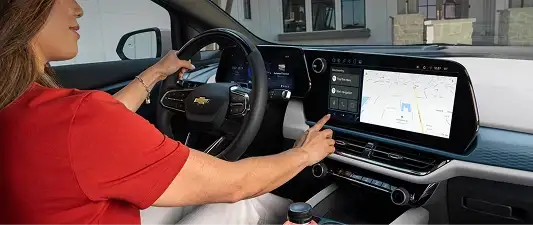
Keep your hands on the wheel and your eyes on the road. Just say "Hey Google" to control your vehicle.

  • Climate Control:

    "Hey Google, set the temperature to 68 degrees." (Essential for our Florida summers!)

  • Media:

    "Hey Google, play my 'Weekend' playlist on Spotify."

  • Navigation:

    "Hey Google, find the nearest seafood restaurant in Mandarin."

Google Play Store

Your car now has its own app store. You can download your favorite compatible apps directly to the vehicle's hard drive. This includes music apps like Spotify and YouTube Music, audiobooks from Audible, and your favorite podcast players to keep you entertained on the drive to St. Augustine.

Why Orange Park Drivers Love It

Personalized Profiles

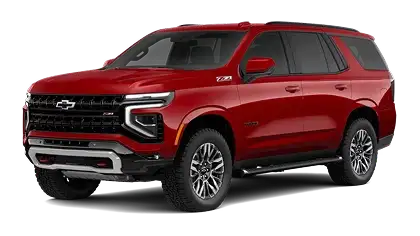
If you share a vehicle, such as a Chevrolet Tahoe, with a spouse or family member, Google Built-In is a game-changer. The car can recognize different drivers and automatically load your specific Google Maps history, your personal contacts, and your music preferences the moment you enter the vehicle.

Seamless Connectivity

Google Built-In utilizes the vehicle's powerful OnStar data connection. This antenna is significantly larger and more powerful than the one in your smartphone, often providing a stronger, more reliable signal on remote stretches of I-10 or rural roads in Clay County.

Which Chevrolet Vehicles Have Google Built-In?

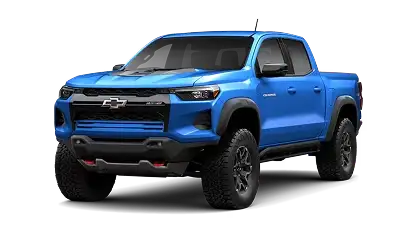
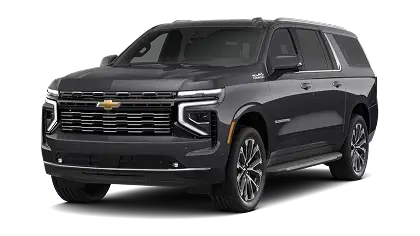
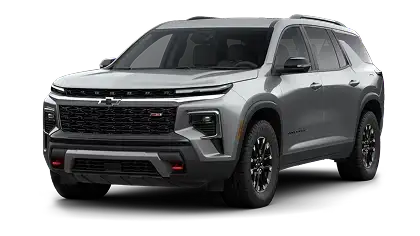
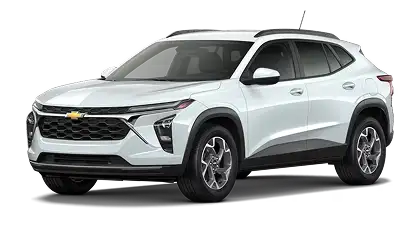
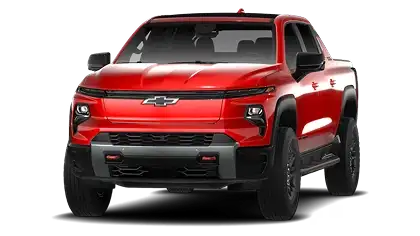
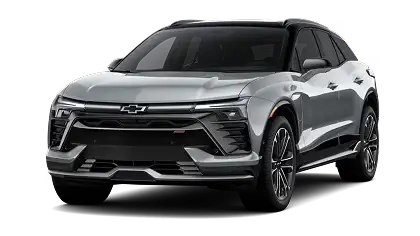
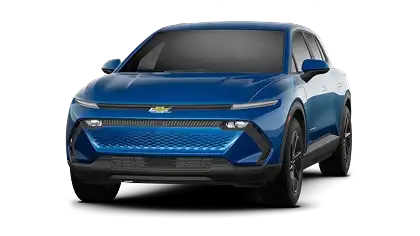
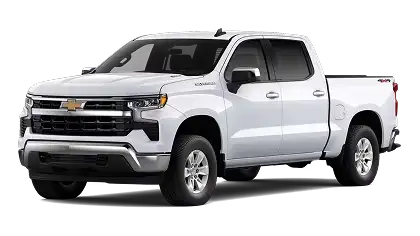
Chevrolet is rapidly rolling this technology out across the lineup. You can find Google Built-In on these models at Gordon Chevrolet:

Trucks

SUVs

Electric Vehicles

Frequently Asked Questions (FAQ)

Do I have to pay for data to use Google Built-In?

New Chevrolet vehicles with Google Built-In typically come with a trial period for the required OnStar data plan. Once the trial concludes, a subscription is required to maintain full connectivity for real-time maps and app streaming without using your phone's hotspot.

Can I still use Apple CarPlay?

On most internal combustion models (like the Silverado 1500 and Tahoe), yes, Apple CarPlay is still available if you prefer it. However, on newer Electric Vehicles (EVs) like the Blazer EV and Equinox EV, GM has moved fully to the Google Built-In interface to provide a deeper integration with the vehicle's battery and range systems.

Does it work if I don't have a Google account?

Yes, you can use the system as a "Guest," but to unlock the full potential of personalized recommendations and saved map locations, signing in with a Google account is highly recommended.

Get Connected at Gordon Chevrolet

Technology can sometimes feel intimidating, but at Gordon Chevrolet, we make it easy. Our team is here to walk you through the setup process, help you pair your profile, and ensure you are comfortable with your new digital co-pilot before you ever leave the lot. Visit us in Orange Park today to see the future of in-car technology.

Menu

Gordon Chevrolet,inc. 30.1292, -81.78918.